Eternal Bloom
A downloadable game for Windows
Eternal Bloom
Full Name: Ivan S. Joson
Section: BSCS 3-A
About the Game
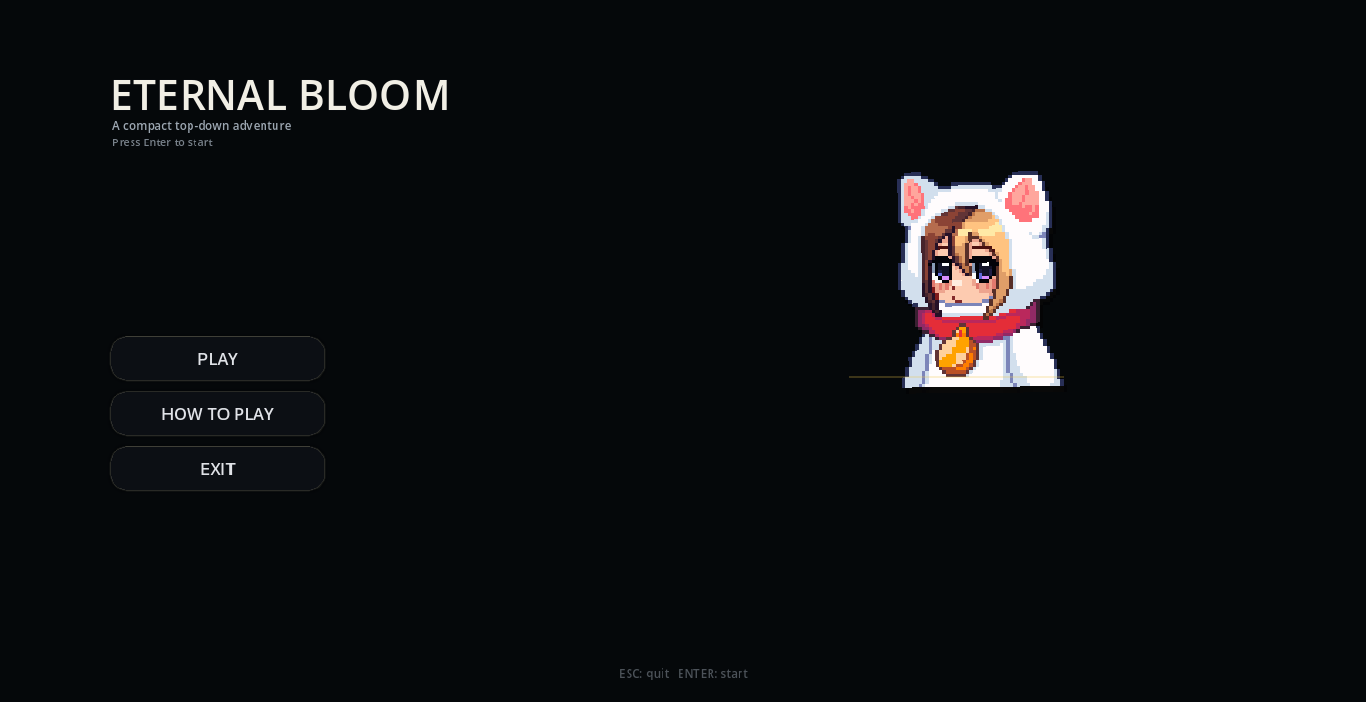
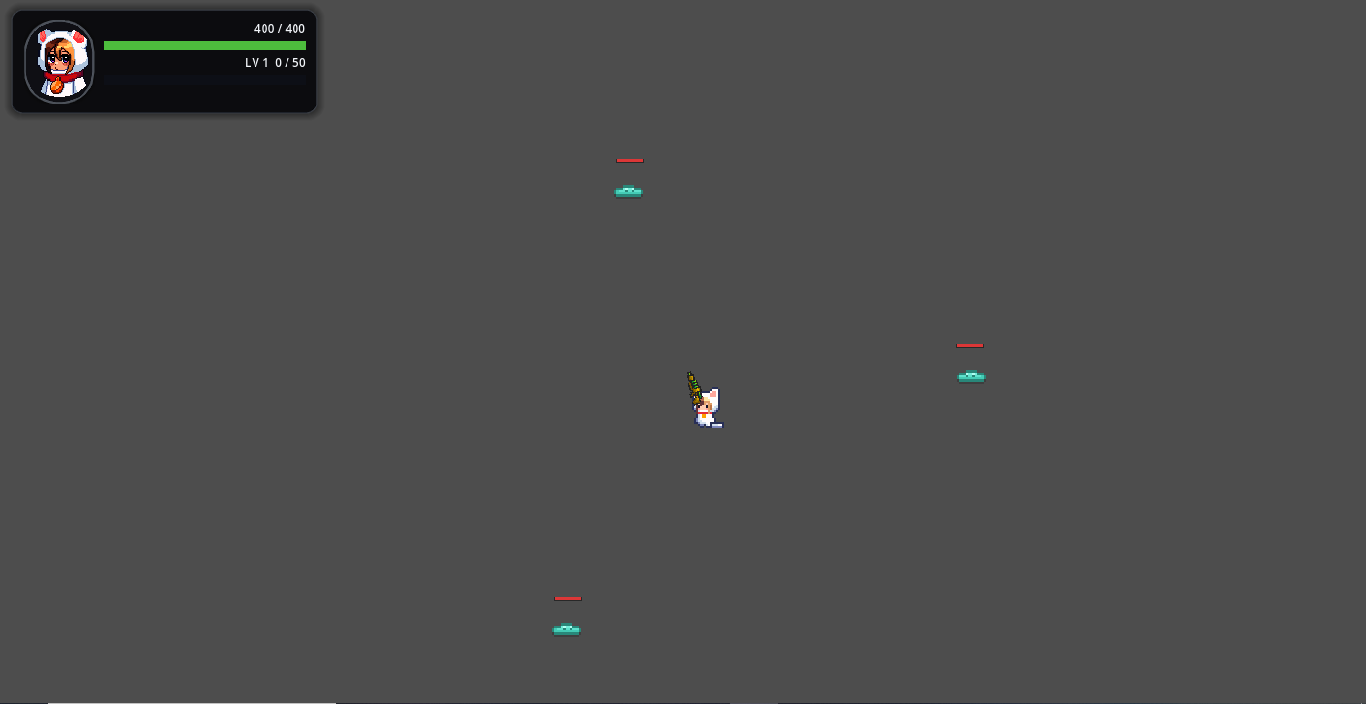
Eternal Bloom is a fast-paced, top-down action survival game. Battle relentless waves of enemies, manage your positioning, and random buffs to stay alive.
Theme Interpretation: "Growth"
In Eternal Bloom, Growth is both a visual spectacle and a core gameplay mechanic.
- Literal Growth: As you gain experience and level up, your character physically scales up in size, representing your expanding presence and power.
- Mechanical Evolution: Every level-up grants "Growth" rewards. You can randomly increase your movement speed or evolve your weaponry with projectile buffs like "Swift Steps" and "Split Shot."
Download
Install instructions
How to Install and Run
- Download the
Eternal_Bloom.zipfile. - Extract the contents: Right-click the downloaded ZIP file and select "Extract All..." to a folder of your choice.
- Run the Game: Open the folder and double-click Eternal Bloom.exe.
- Windows SmartScreen: Because this is an indie game, Windows might show a popup saying "Windows protected your PC." If this happens, click "More info" and then click "Run anyway" to start the game.
Requirements
- OS: Windows 10 or 11 (64-bit).
- Hardware: Standard Keyboard and Mouse. No additional libraries or software (like Java or Python) are required to run the game.

Leave a comment
Log in with itch.io to leave a comment.